Industry-Grade Itinerary Creation: Inside the SafariFlow Itinerary Builder
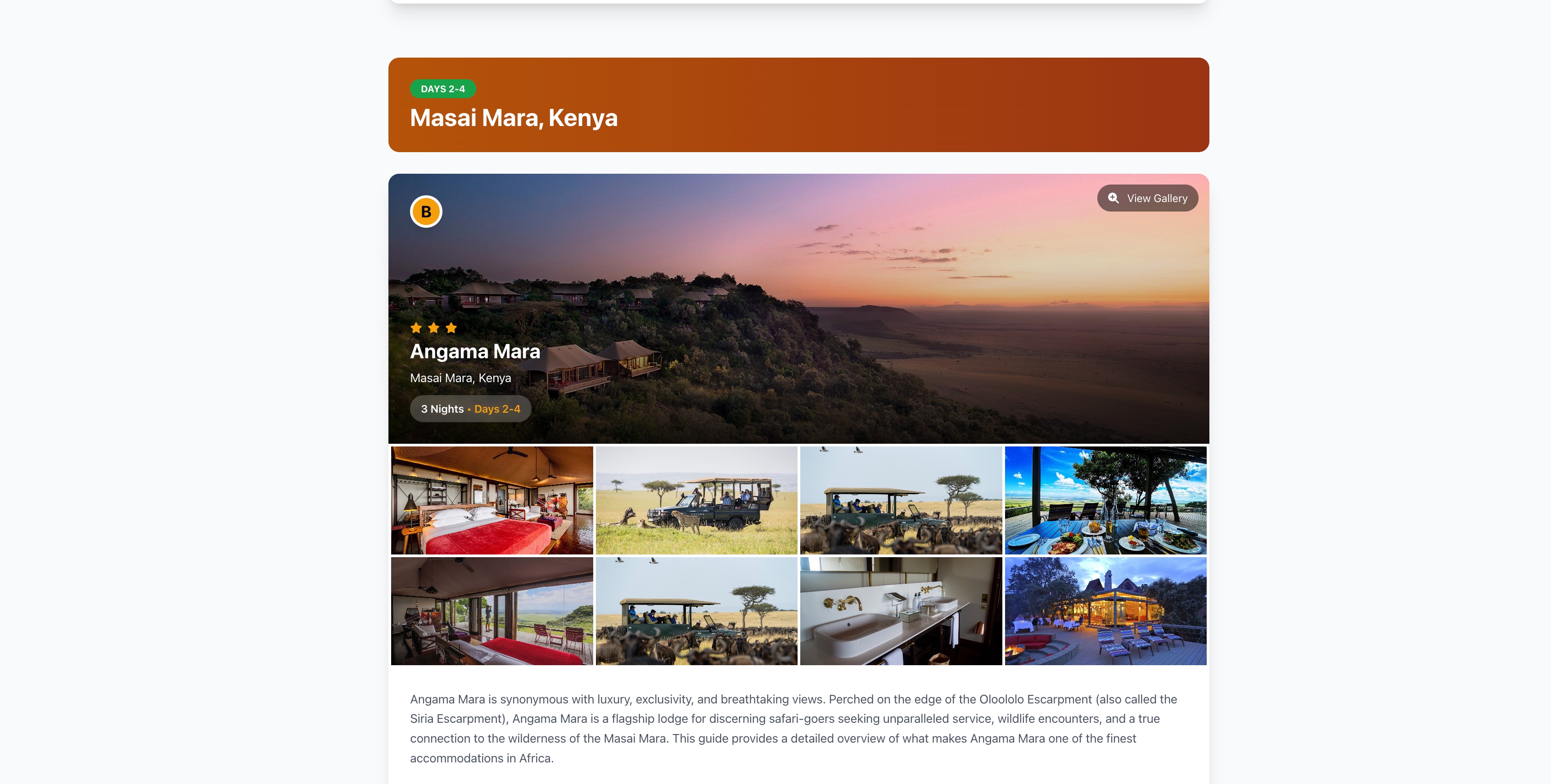
SafariFlow's itinerary builder turns a client brief into a priced, day-by-day itinerary with real place data, AI-assisted day descriptions, and accommodation details pulled from your own contract rates — then outputs a branded PDF or shareable client link, all from one connected tool.
Built as a step-by-step builder, not a blank document
Instead of assembling a trip in a word processor, the builder walks you through it in stages: trip basics, day-by-day planning, accommodations, and pricing. Each day in the itinerary is its own record — add a day, edit it, reorder it, or delete it — rather than a paragraph buried in a document that has to be manually renumbered every time a date shifts.
Real places, not free text
Day plans aren't just typed descriptions. The builder integrates place search and place details, so when you add "game drive in the Maasai Mara" or a specific lodge, you're attaching real location data — not a string that might be spelled three different ways across a season's worth of itineraries.
AI-assisted day content, on your terms
Writing engaging day-by-day copy for every itinerary is one of the more time-consuming parts of the job. The builder includes AI-assisted content generation for day descriptions, so you get a solid first draft to edit rather than starting from a blank text box for every single day of every single trip.
Accommodation templates and contract rates
Reusing accommodation details is handled through saved accommodation templates, and pricing can pull directly from your own negotiated contract rates for a given stay — so the price on the itinerary reflects what you actually pay, not a rate someone half-remembers from a spreadsheet.
From itinerary to client-ready document — and back to a booking
Once a day-by-day plan is built, it can be:
- Exported as a branded PDF for clients who want a document they can print or forward.
- Shared as a client-facing link, so a traveler can view (and, depending on your workflow, accept) the itinerary directly.
- Cloned into a new itinerary — turn any past trip into a reusable template instead of rebuilding a similar route from scratch.
Because the itinerary is the system's source of truth, it doesn't dead-end as a PDF — it's the same record that becomes the booking, ties into supplier costs, and eventually the invoice.
Why this matters
The gap between "quote" and "operational plan" is where most manual errors creep in — a date that shifts in the document but not in the booking system, a rate that's out of date by the time the trip actually runs. Keeping itinerary creation, place data, pricing, and the eventual booking in one builder is what makes the output "industry-grade": not just a nicer-looking PDF, but a plan the rest of your operation can actually run on.
Ready to automate your safari operations?
Start your free 14-day trial of SafariFlow — no credit card charged during trial.
Start Free Trial